
RapidTurnStudio
CNC lathe programming from DXF to G-code in minutes.
RapidTurnStudio is a visual programming environment for 2-axis CNC lathe work. It sits between a plain G-code editor and a full CAM system: faster and more visual than hand editing, without the cost and complexity of a large CAM package.
The software combines an intelligent code editor, DXF import, lathe canned-cycle support, and synchronized toolpath simulation so programmers can build and verify turning jobs before the program reaches the machine.
What it does
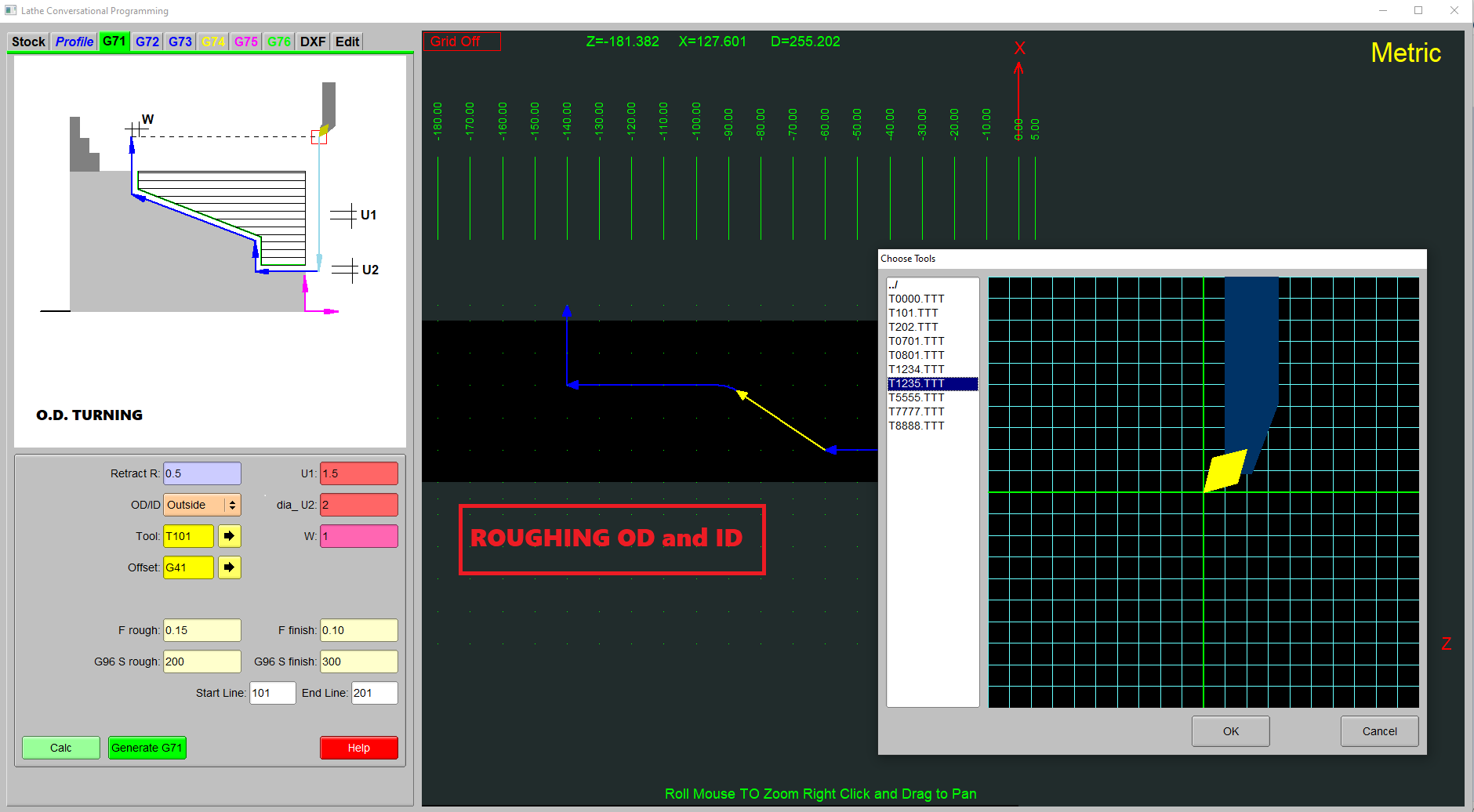
RapidTurnStudio helps users create, visualize, and verify CNC lathe programs with less manual coordinate calculation and less blind hand editing. The toolpath updates as the user moves through the code, making errors easier to catch before machining.
- Combines a G-code editor with visual simulation for 2-axis lathe programming.
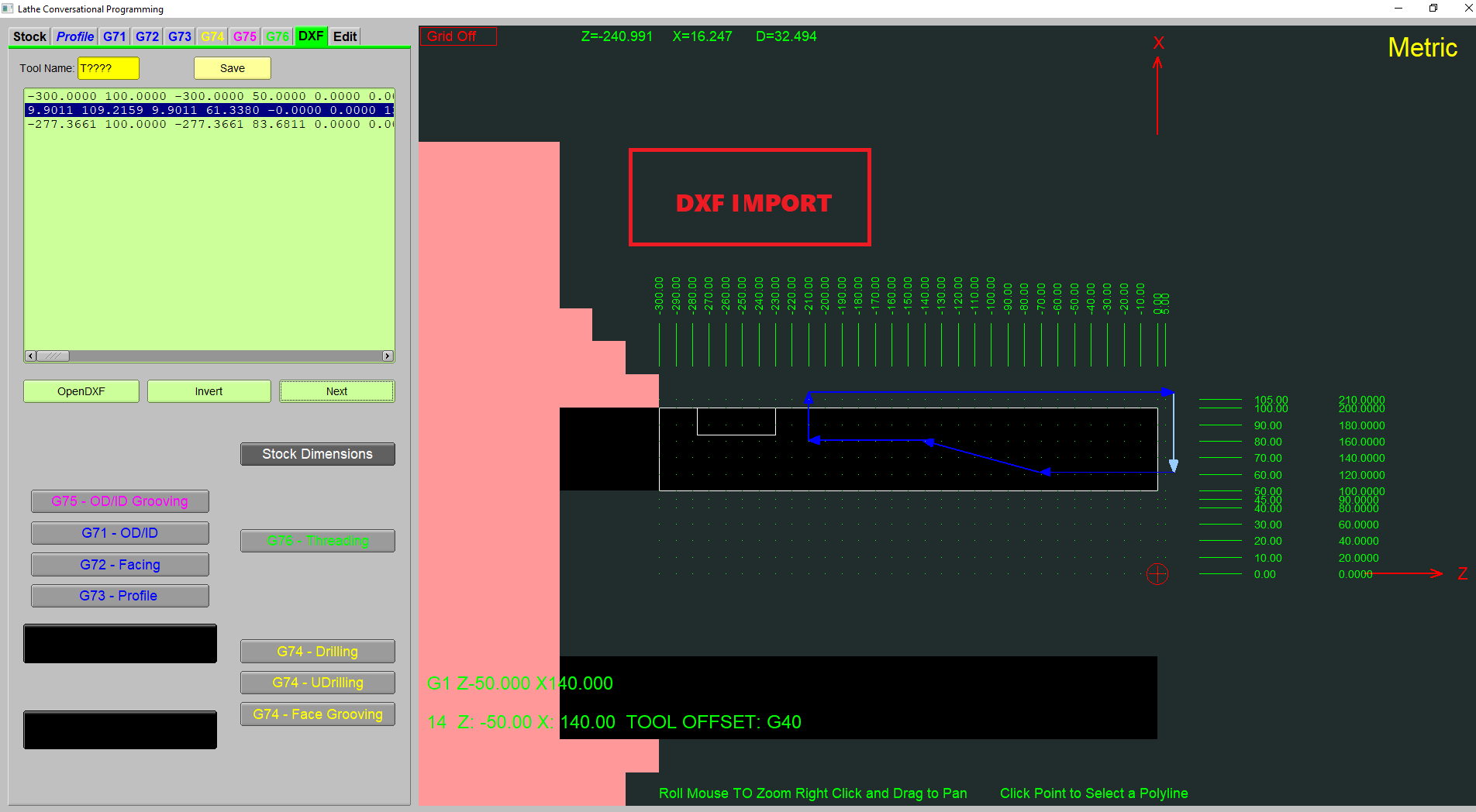
- Imports DXF part drawings to reduce manual coordinate work.
- Supports operation-based editing while still producing editable G-code.
- Generates standard G-code intended for CNC lathe controllers.
Key features
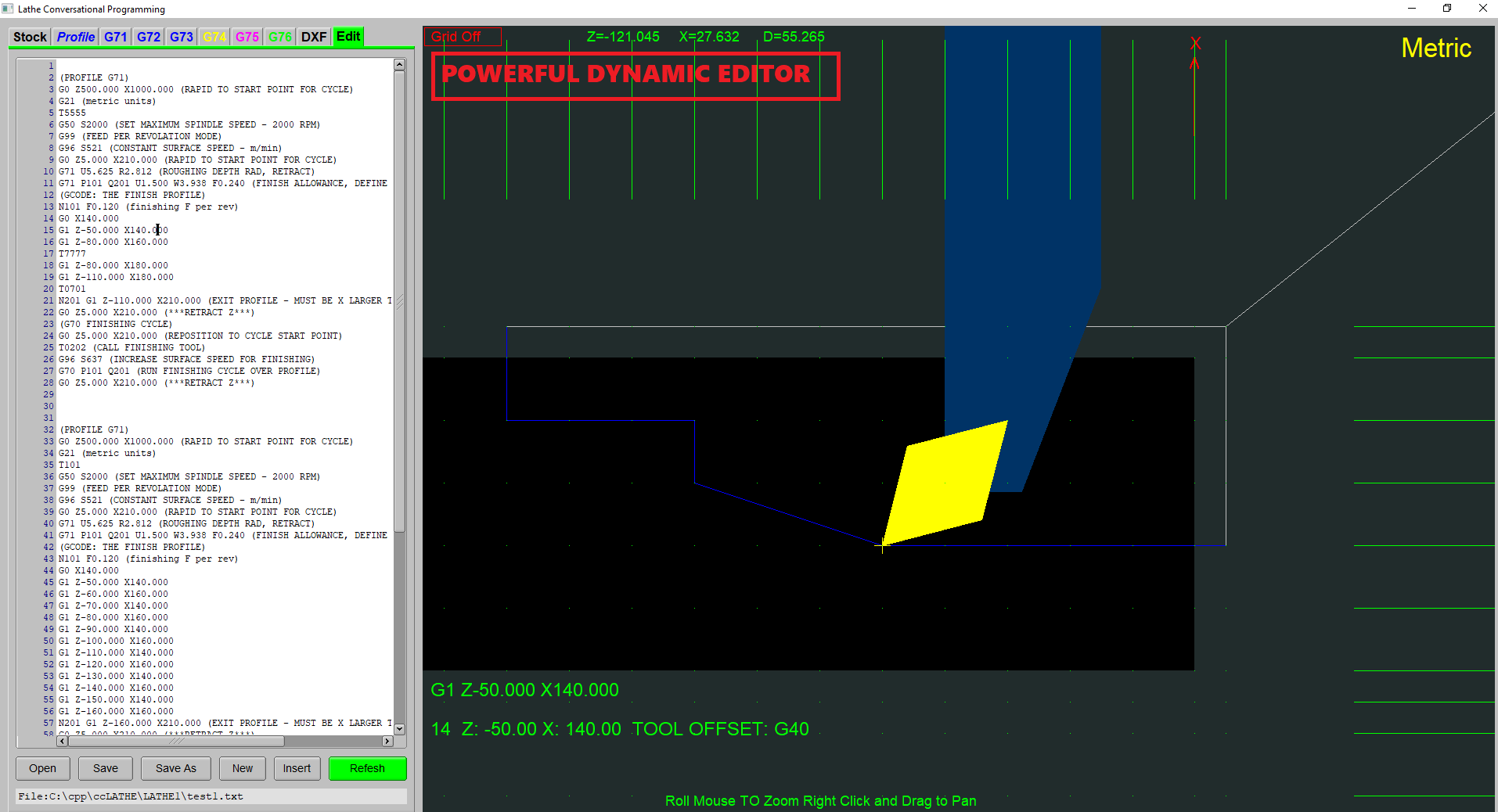
- Visual G-code simulation synchronized with the code editor.
- Syntax highlighting, auto-completion, and error checking.
- DXF import for part geometry.
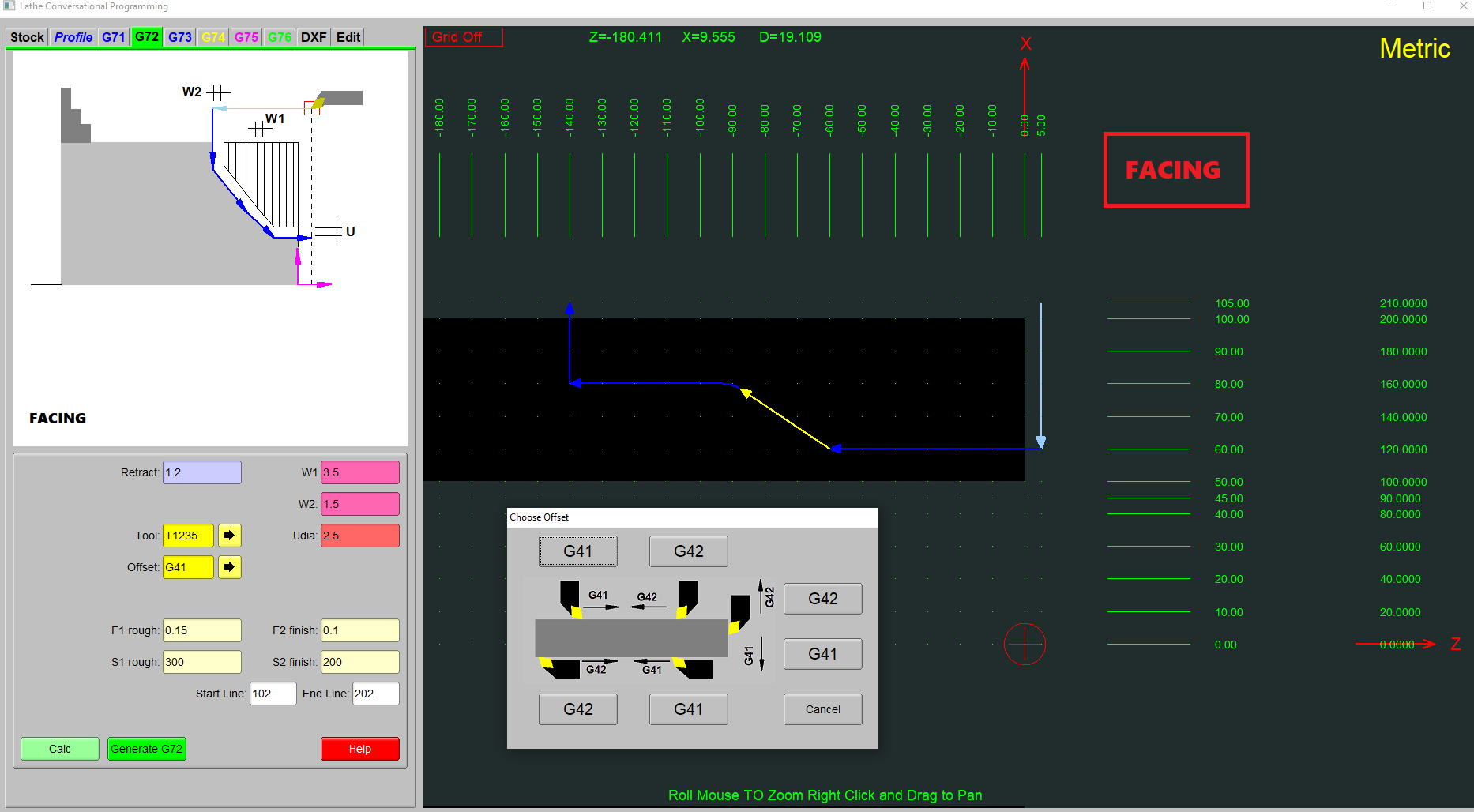
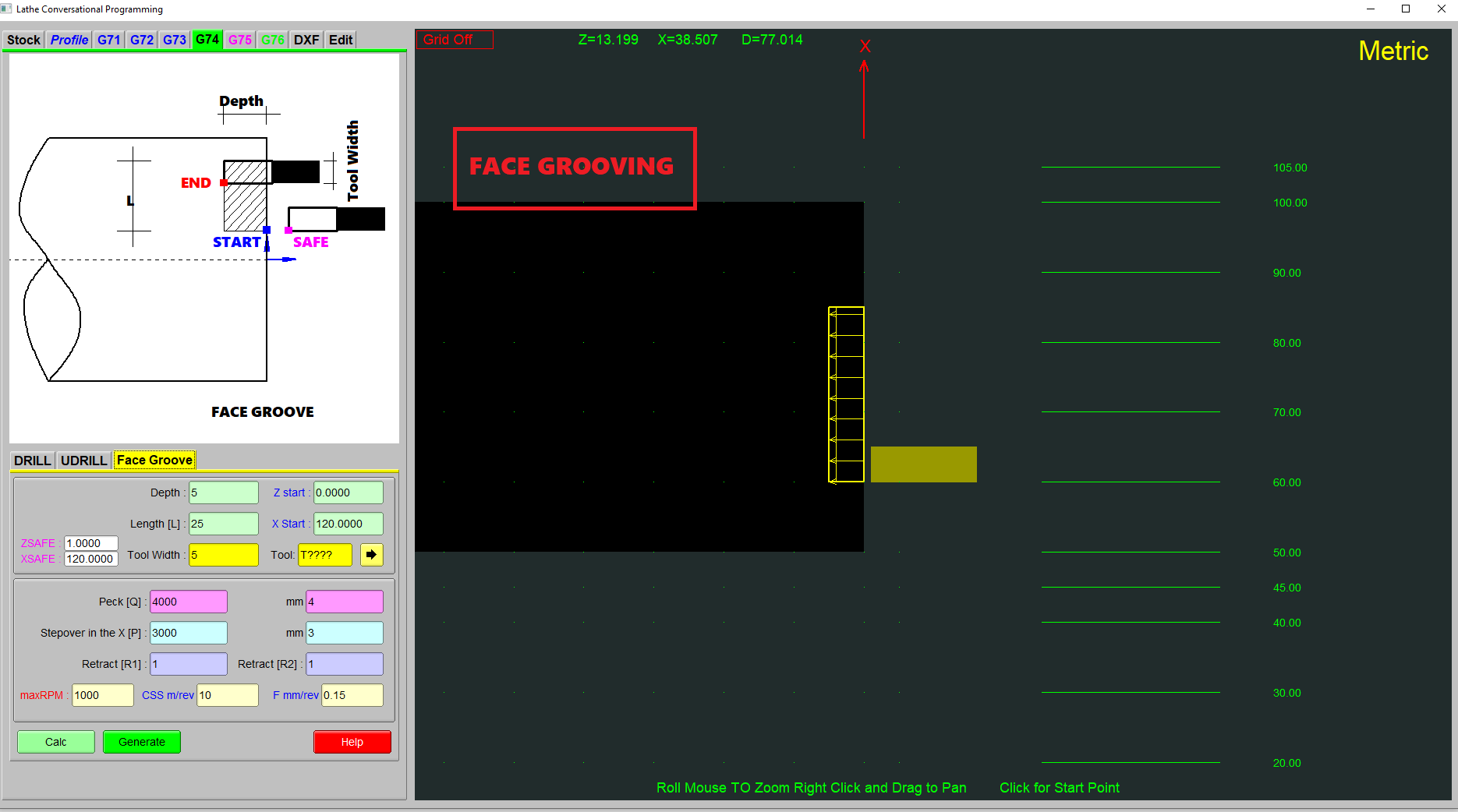
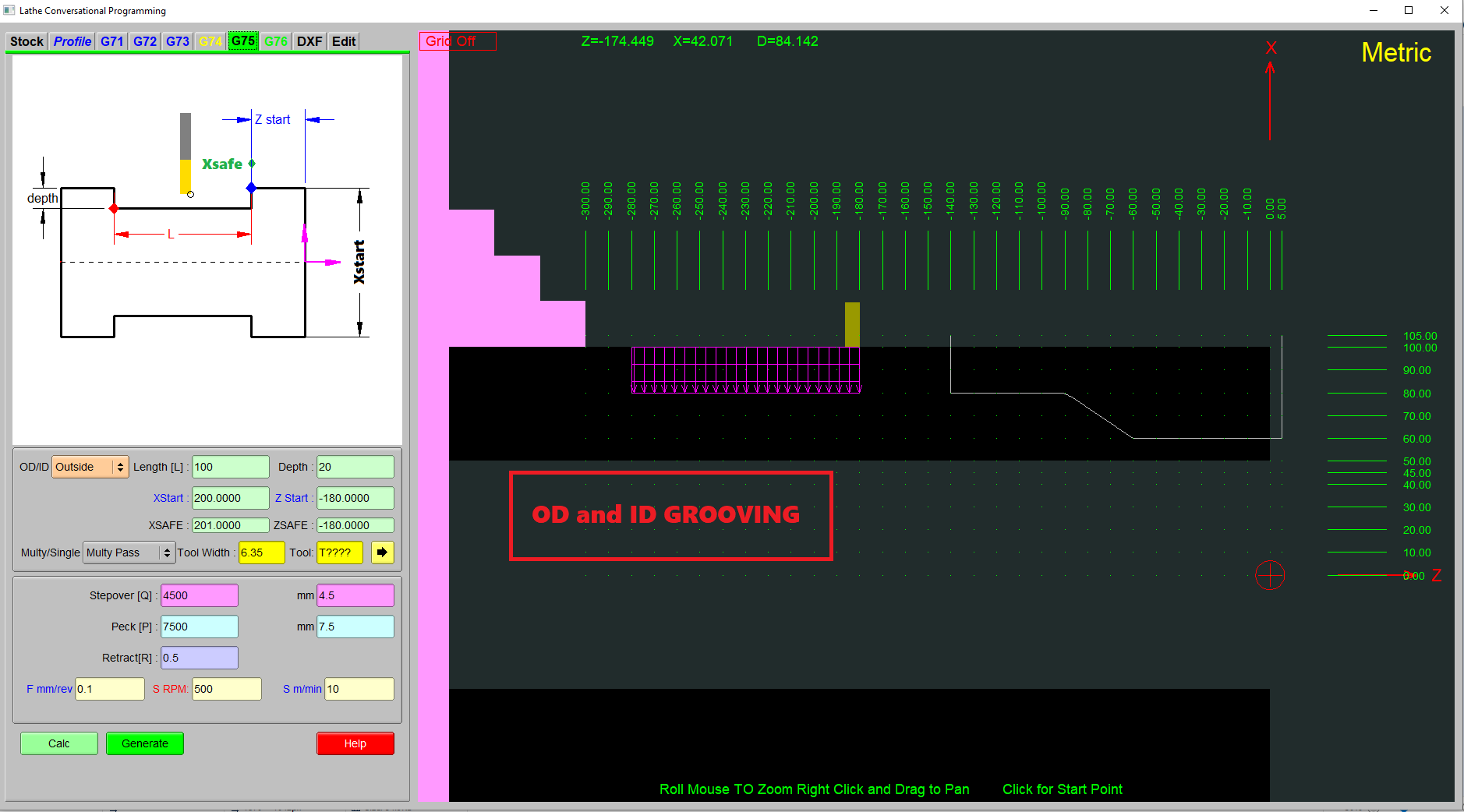
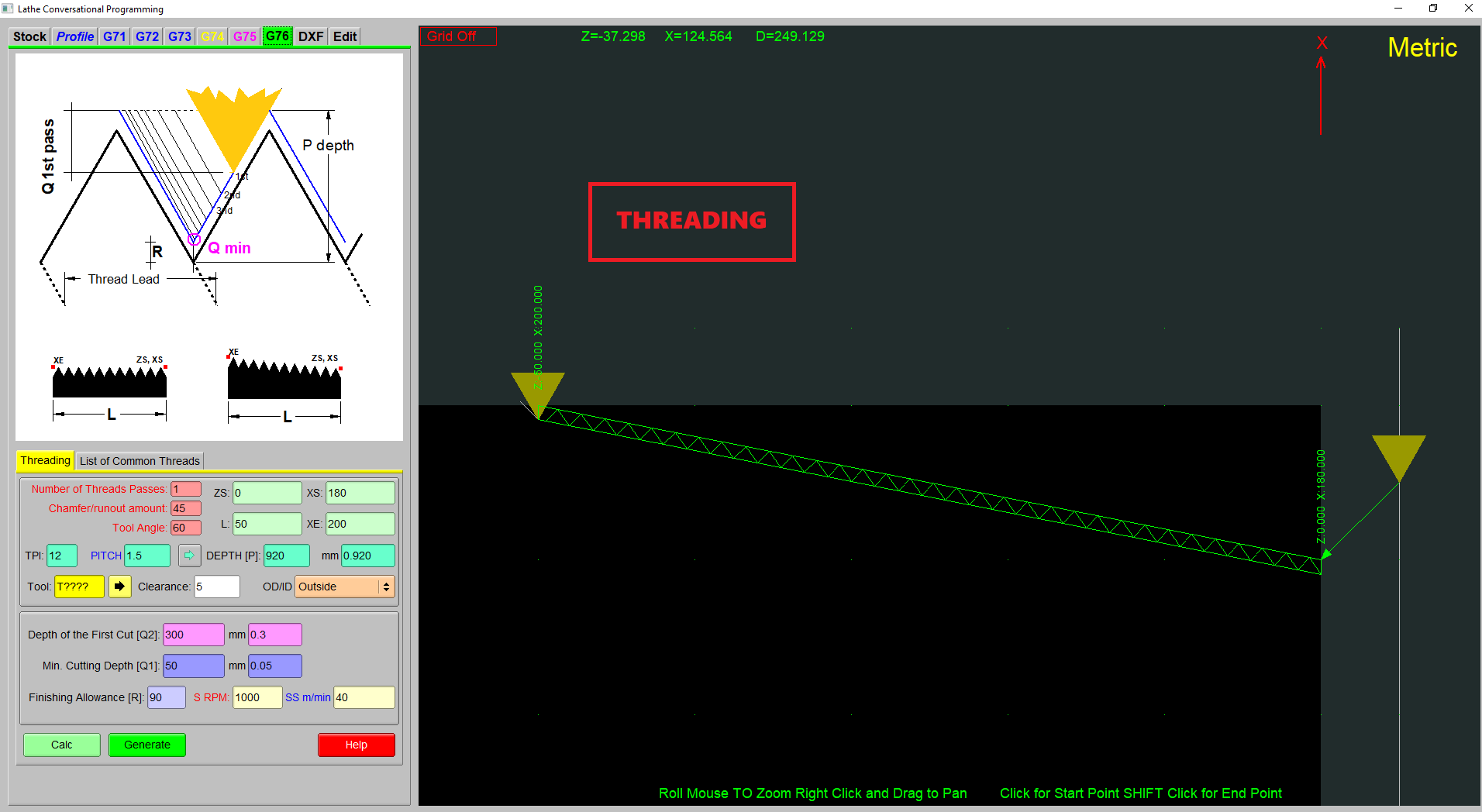
- Lathe canned-cycle support for
G71,G72,G73,G74,G75, andG76. - Portable setup with no DLL installation, registry changes, or system-file changes.
- Clean removal for shops and classrooms that need simple IT handling.
Where it fits
RapidTurnStudio is focused on routine lathe programming rather than complex multi-axis CAM. It is useful when conversational controls keep programming tied to the machine, basic text editors provide no visual feedback, and full CAM systems are too heavy for straightforward 2-axis turning work.
Recommended workflow
- Import or reference the part profile from a DXF drawing.
- Build the lathe program with operations, canned cycles, and editable G-code.
- Step through the code while watching the synchronized toolpath.
- Correct geometry, cycle, or syntax issues before machine release.
- Post the standard G-code to the selected lathe controller.
Tutorial videos
- RapidTurnStudio tutorial video 1
- RapidTurnStudio tutorial video 2
- RapidTurnStudio tutorial video 3
- RapidTurnStudio tutorial video 4
- RapidTurnStudio tutorial video 5
Technical summary
| Area | Details |
|---|---|
| Software type | Advanced G-code editor and visual programming environment |
| Machine type | 2-axis CNC lathes |
| Core approach | High-level abstraction layer for standard G-code, not a full CAM system |
| Supported canned cycles | G71, G72, G73, G74, G75, and G76 |
| Import format | DXF |
| Simulation | Real-time toolpath visualization synchronized with the code editor |
| License model | Freemium, with a free hobbyist version for parts up to 100 mm in diameter |
Who it is for
- CNC hobbyists and makers with home-shop lathes.
- Machinists and programmers who want a faster visual alternative to conversational controls.
- Small job shops that need reliable G-code without a large software investment.
- Engineering and educational institutions teaching CNC machining principles.
Screenshots
Licensing
RapidTurnStudio uses a freemium model. Hobbyists and makers can use the free version for parts up to 100 mm in diameter, while professional licenses support larger machines and job-shop use.
Contact
For RapidTurnStudio product questions, use the contact address below.
